The problem is rarely the queue itself. It is the customer who walks in, sees six people waiting, hears “it won’t be too long”, then leaves because nobody can say what that means. A tablet check-in system for salons gives them a clear answer before they decide to go elsewhere.
For a busy salon, nail bar or barbershop, that clarity protects walk-in revenue. Customers can see their position, understand the likely wait and get on with their day without losing their place. Your team stops answering the same question every few minutes. And you stop relying on memory, scraps of paper or whoever happens to be nearest the door.
What a tablet check-in system for salons should do
A good system should fit the way your floor already works. It should not turn a simple walk-in into an account-creation exercise or force every stylist to learn another complicated app.
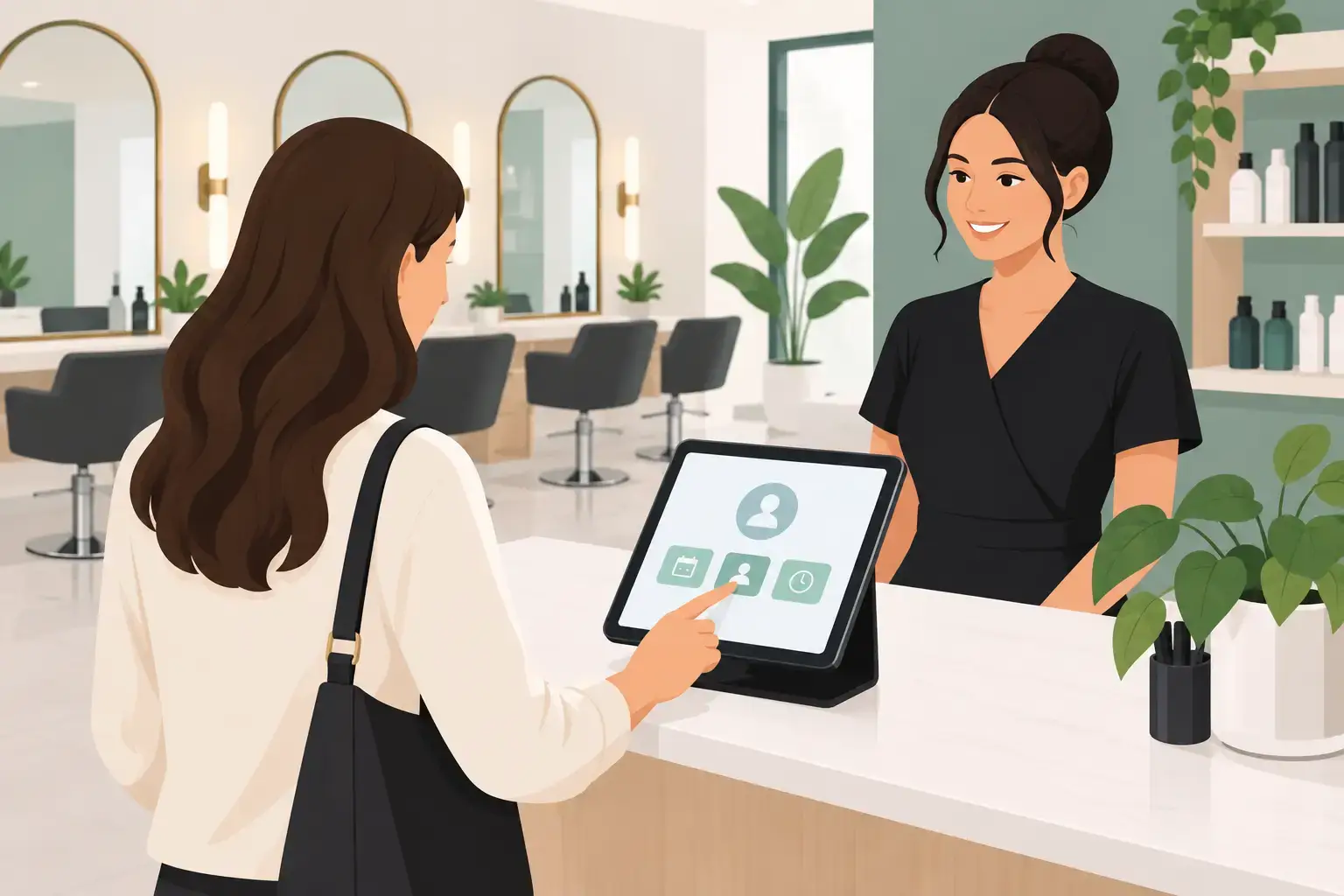
The customer arrives, selects the treatment or service they need and checks in on a tablet. They can add their mobile number if they want updates. The queue updates straight away, so your staff know who is waiting, what they are waiting for and where they sit in the order.
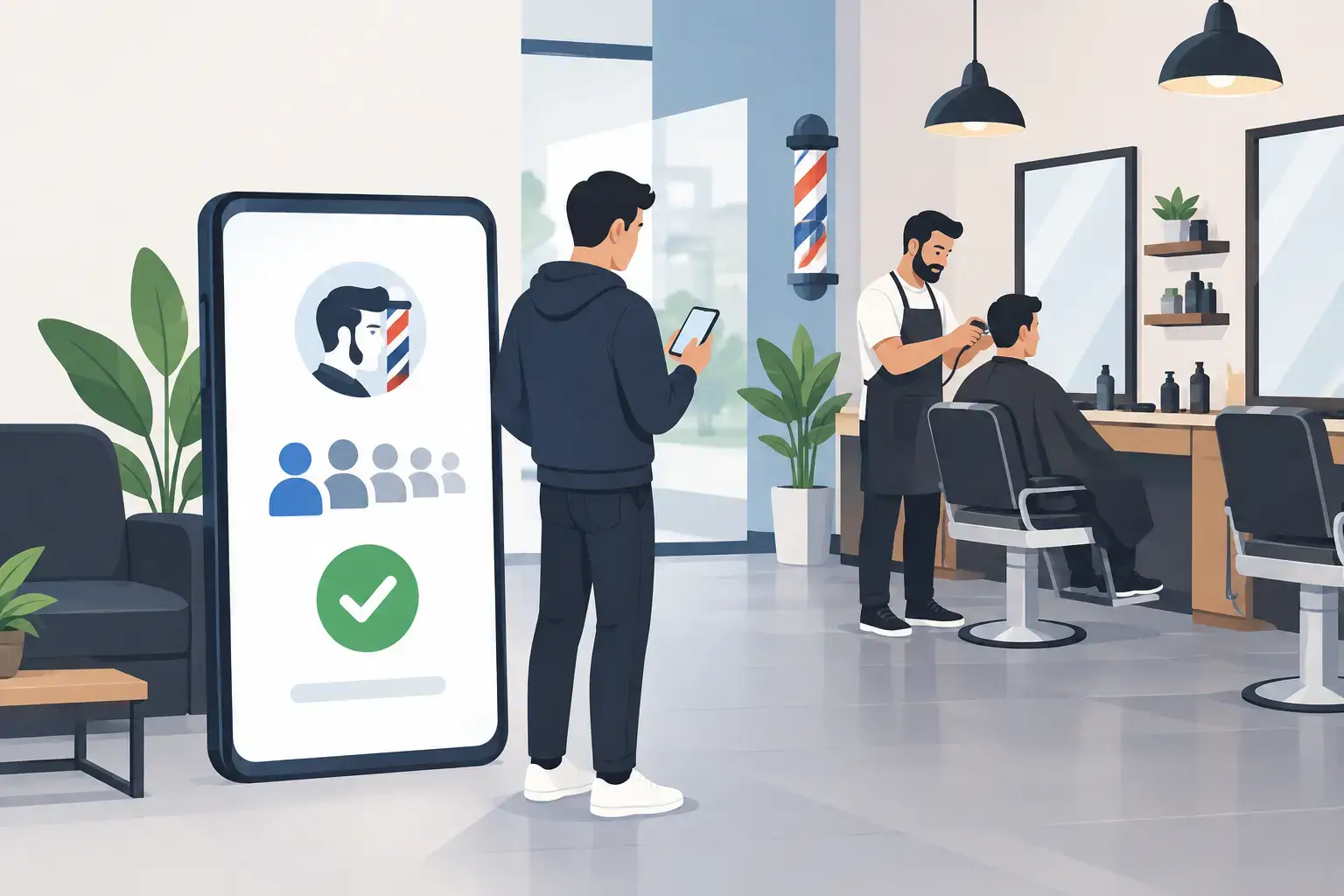
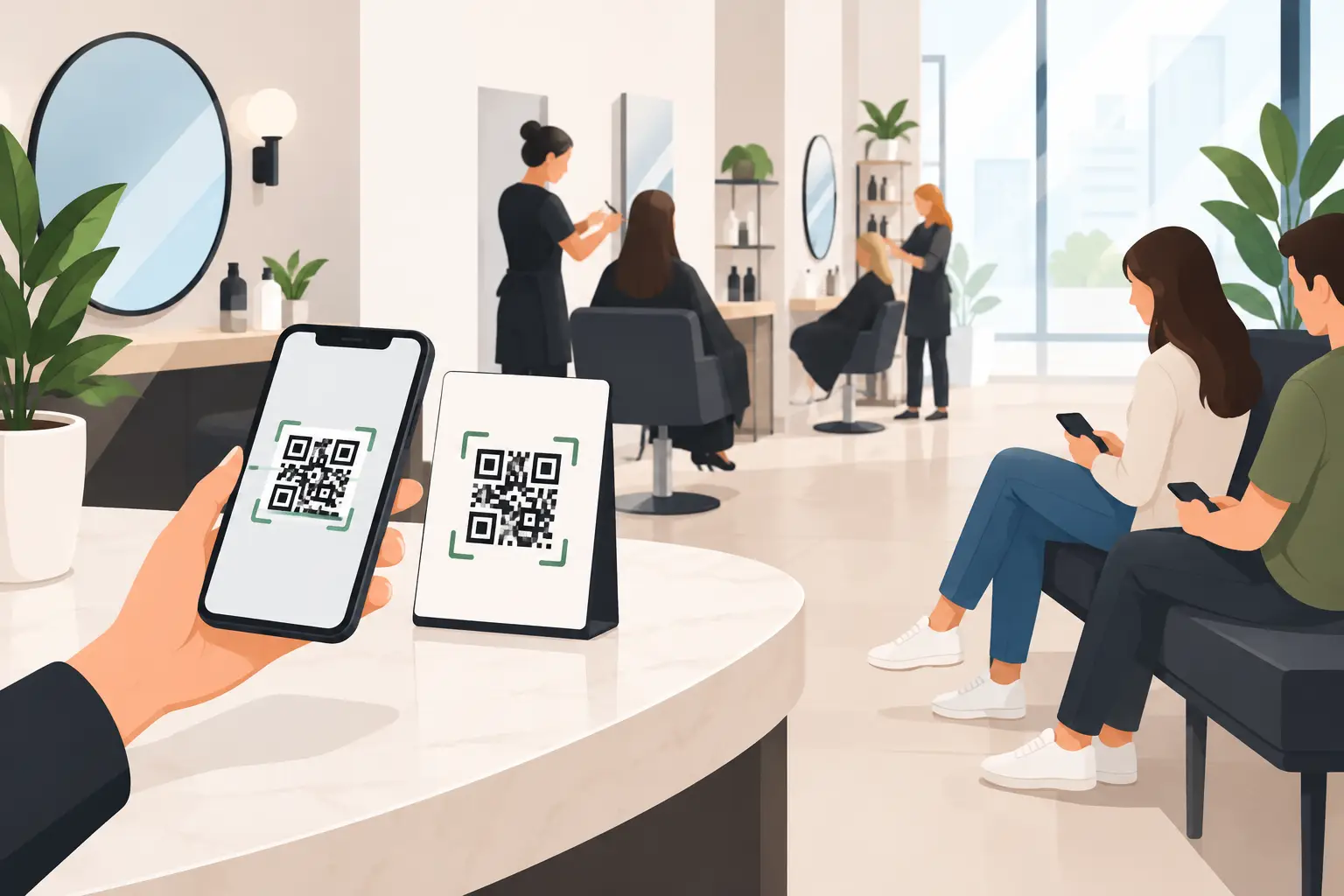
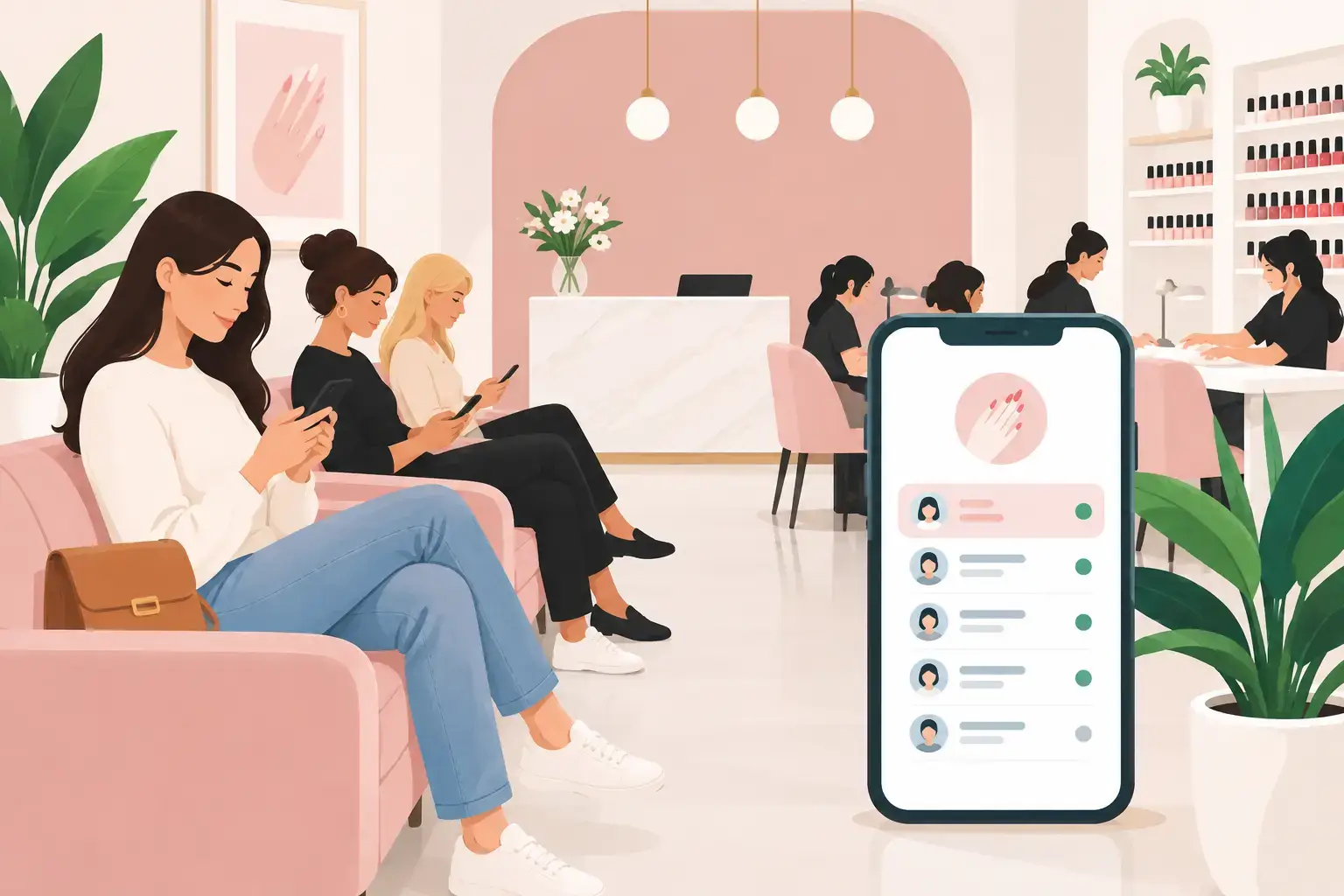
The useful part comes next. Instead of keeping customers pinned to the waiting area, the system lets them track their place through a browser on their phone, usually by scanning a QR code. They can grab a coffee, browse nearby shops or wait in the car. When a chair, station or nail desk is nearly free, they get a notification to come back.
That is a better experience than calling names across a crowded salon. It also means fewer customers disappear because they assumed the wait was longer than it was.
Make the queue visible, not complicated
Walk-ins are valuable, but they can make the day feel messy. A colour appointment runs over. A barber needs five more minutes. A nail tech has finished early. Then somebody asks, “Who’s next?” and the answer is not always obvious.
A tablet check-in screen creates one shared version of the queue. Customers can check in without interrupting the team. Staff can see the live list on their phones and call the next person when they are ready. If you use a TV queue board, the waiting area can show queue status without putting customer phone numbers or private details on display.
This is not about making the salon feel automated. It is about removing the avoidable admin around a personal service. Your staff still greet customers, make recommendations and manage the treatment. The system handles the order of the queue and the updates that people expect.
For salons with more than one service type, the detail matters. A customer waiting for a quick fringe trim should not be treated exactly like someone waiting for a full set of extensions. The same applies to a beard shape-up, a gel manicure or a pedicure. Your queue needs to reflect the services you offer and the team members or stations able to deliver them.
Give customers a reason to stay in the queue
Most walk-in customers are not impatient for the sake of it. They are trying to plan their time. If they know they are fourth in line and the wait is around 35 minutes, they can make a sensible choice. If nobody can tell them anything, they will often choose another salon.
A live wait estimate changes that conversation. Rather than promising a time your team cannot guarantee, you show an informed guide based on the queue in front of them. The customer has visibility, and your staff have less pressure to keep repeating estimates between treatments.
Phone notifications are especially useful at peak periods. A Saturday afternoon customer may be happy to wait if they can leave the premises and return when called. Parents checking in with children, customers arriving with a friend and regulars popping in during a lunch break all benefit from knowing they have not lost their place.
There is a trade-off here. Notifications depend on customers entering the right phone number and having their phone with them. That is why the queue should still be easy for staff to manage from the floor. Technology should support your team, not leave them stuck when a customer misses an alert.
Keep staff controls quick and owner data private
Your front-of-house process has to work when the shop is busy. Staff should be able to call the next customer, assign them to a barber, stylist or nail tech, and mark a service as complete in a few taps. No staff logins to remember. No time spent hunting through settings while someone is waiting at reception.
At the same time, not every team member needs to see the same information. The person managing the queue needs the customer list and service flow. They do not need access to private takings, performance reports or business-wide figures.
This separation matters more as your team grows. Owner-only reporting, protected by an owner PIN, lets you review takings, busy periods, service logging, loyalty activity and staff performance without exposing financial data on the shop floor. Your team runs the queue. You see the money.
That is also useful when you are not in the salon. You can understand when walk-in demand peaks, whether enough chairs or stations are available and which services are bringing people through the door. These are practical decisions, not dashboard theatre. They help you decide who to roster and when.
Use the hardware you already have
A tablet check-in system does not need a costly refit. If you already have a suitable tablet, phone or TV screen, it should work with that. Put the tablet where walk-in customers naturally pause - near reception, by the entrance or beside the waiting area.
Positioning makes a difference. If the screen is hidden behind the desk, customers will still interrupt staff to ask how to check in. If it is visible but unsupervised, use clear wording that tells customers what to do. Keep the first screen simple: choose a service, add a name and, if wanted, a mobile number.
Avoid making every customer download an app. For a regular booking app, that may be acceptable. For a walk-in queue, it creates friction at the exact moment someone is deciding whether to stay. Browser-based queue tracking is lighter: scan, check your position and get on with your day.
BarBerQue is built around this low-friction model, with a customer tablet, live queue tracking, staff mobile controls and optional queue boards that can be set up without changing how your team works.
Start with the busiest part of your day
You do not need to redesign every process on day one. Start with the time when your waiting area is hardest to manage. That might be Saturday mornings for a barbershop, after-work colour appointments in a hair salon or Friday and Saturday nail bookings with walk-ins between them.
Set the services customers can select. Decide whether customers choose a particular team member or simply join the next available queue. Then agree a simple staff rule: when you are ready, call the next customer through the system before starting the next treatment.
Give the team a chance to use it on a normal shift, not just during the busiest hour. They will quickly spot the questions customers ask and where the tablet needs to sit. A system that takes around ten minutes to set up is easier to test properly than one that requires weeks of training and staff account administration.
When a queue system is the right fit
A tablet check-in system is ideal when walk-ins are a meaningful part of your takings and the wait is often unclear. It is particularly useful for shops with several barbers, stylists or nail techs, where customers may be waiting for different services and staff need a fair, visible order.
It may be less urgent if you work strictly by appointment, rarely have more than one person waiting and have no interest in walk-in trade. In that case, a full booking diary may be the priority. But many salons run both: appointments keep the diary moving, while a clear walk-in queue catches revenue that would otherwise walk back out the door.
The best system is not the one with the longest feature list. It is the one your customers understand in seconds, your team can run during a rush and you can trust when you are not standing on the floor. When people know where they stand, they are far more likely to stay.