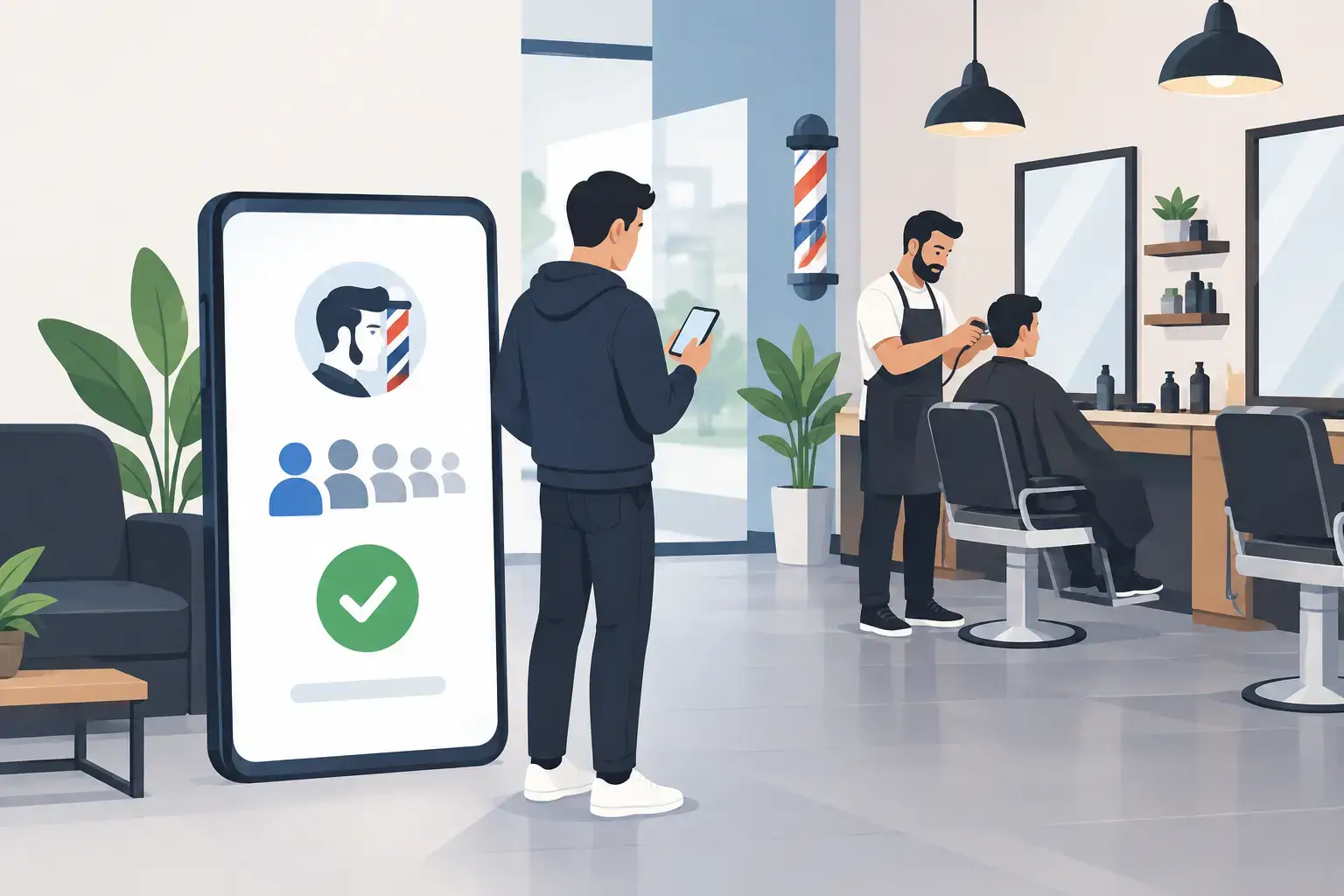
The customer who walks out after hearing “about 45 minutes” is not always rejecting the haircut. They are rejecting the uncertainty. A virtual queue for barbers gives them a clear place in line, a live view of the wait and a reason to come back when their chair is ready.
For a busy walk-in shop, that changes the whole floor. Instead of customers hovering by the door, asking who is next or leaving to try somewhere else, your team can focus on cutting hair. Customers get clarity. You keep more of the trade you have already earned.
Why walk-in queues cost more than you think
Most barbershops do not lose walk-in revenue because the shop is empty. They lose it when the waiting area feels disorganised or the wait sounds open-ended. A customer may be happy to wait 30 minutes if they know it is 30 minutes. They are far less likely to wait if nobody can tell them whether they are next, third or still behind a family that arrived before them.
The same problem lands on your staff. A barber is finishing a skin fade, someone at reception is trying to take payment, two customers think they are next, and a regular wants their usual barber. Suddenly, a simple queue becomes a debate across the shop floor.
Paper lists and verbal queues can work in a quiet shop. At peak periods, they rely on one person remembering every name, service and arrival time. That person cannot be everywhere at once. If they step away, take a call or start a treatment, the queue loses its centre.
A good system does not replace your team’s judgement. It gives them a shared version of the truth: who has checked in, what they are waiting for, how long they have been waiting and who can take them next.
What a virtual queue for barbers should actually do
Not every queue tool suits a walk-in barbering business. You do not need to force every customer through account creation, a booking app or a long form at the front desk. Walk-ins want to check in quickly, see the wait and get on with their day.
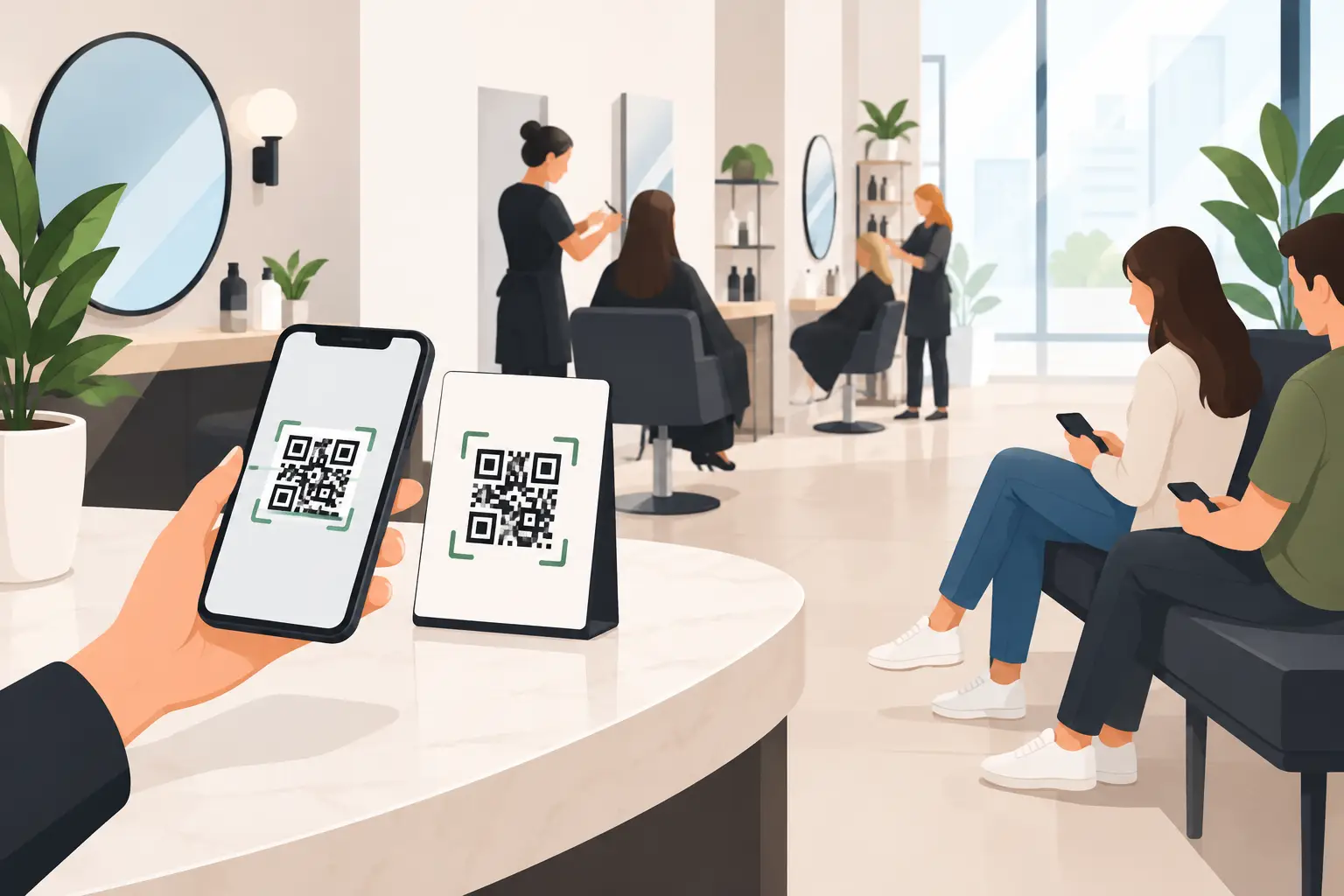
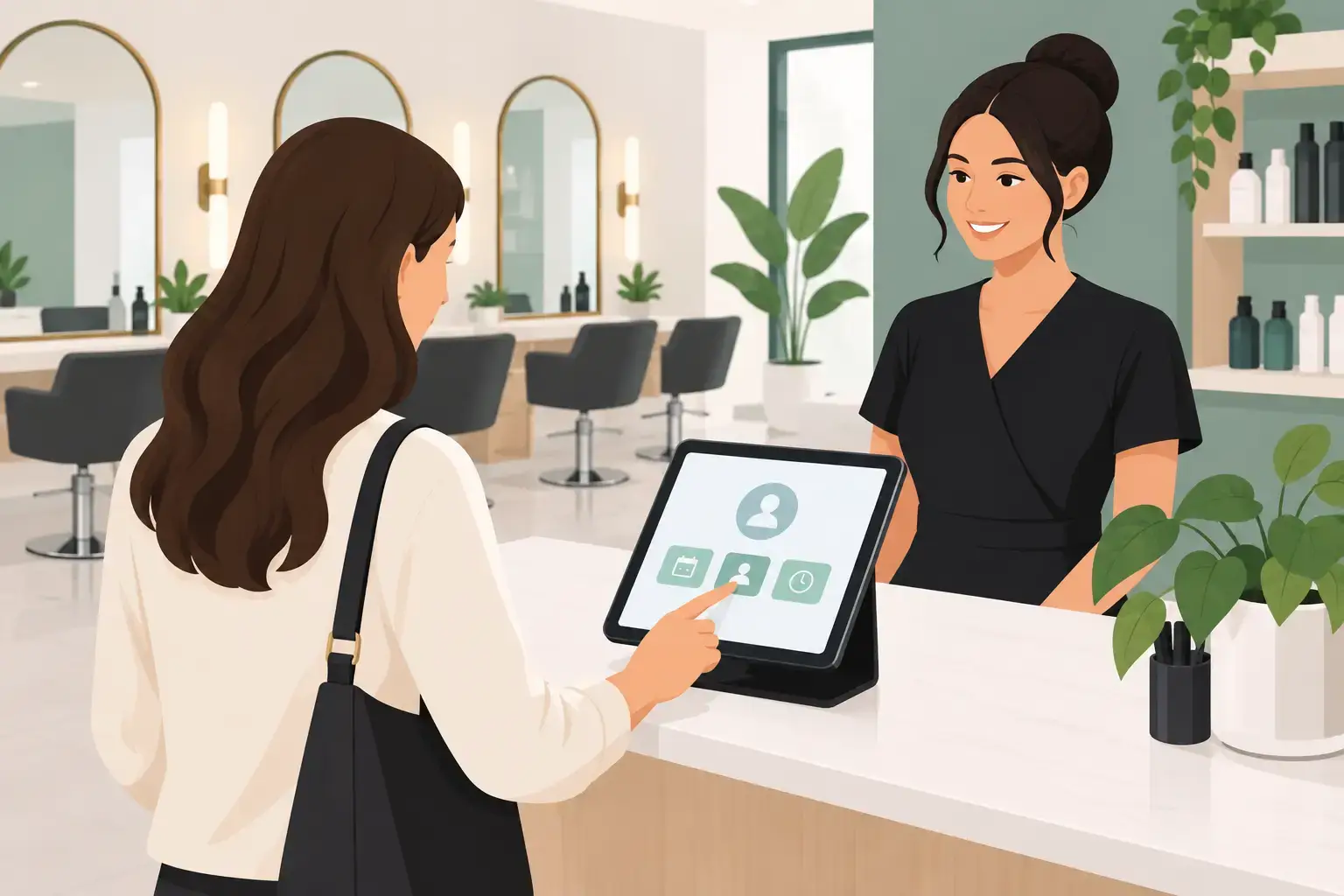
A practical virtual queue starts with a customer-facing tablet. The customer enters their details and selects the service or barber where needed. They can then scan a QR code in their browser to track their place. No app download. No forgotten password. No need for staff to keep answering the same question.
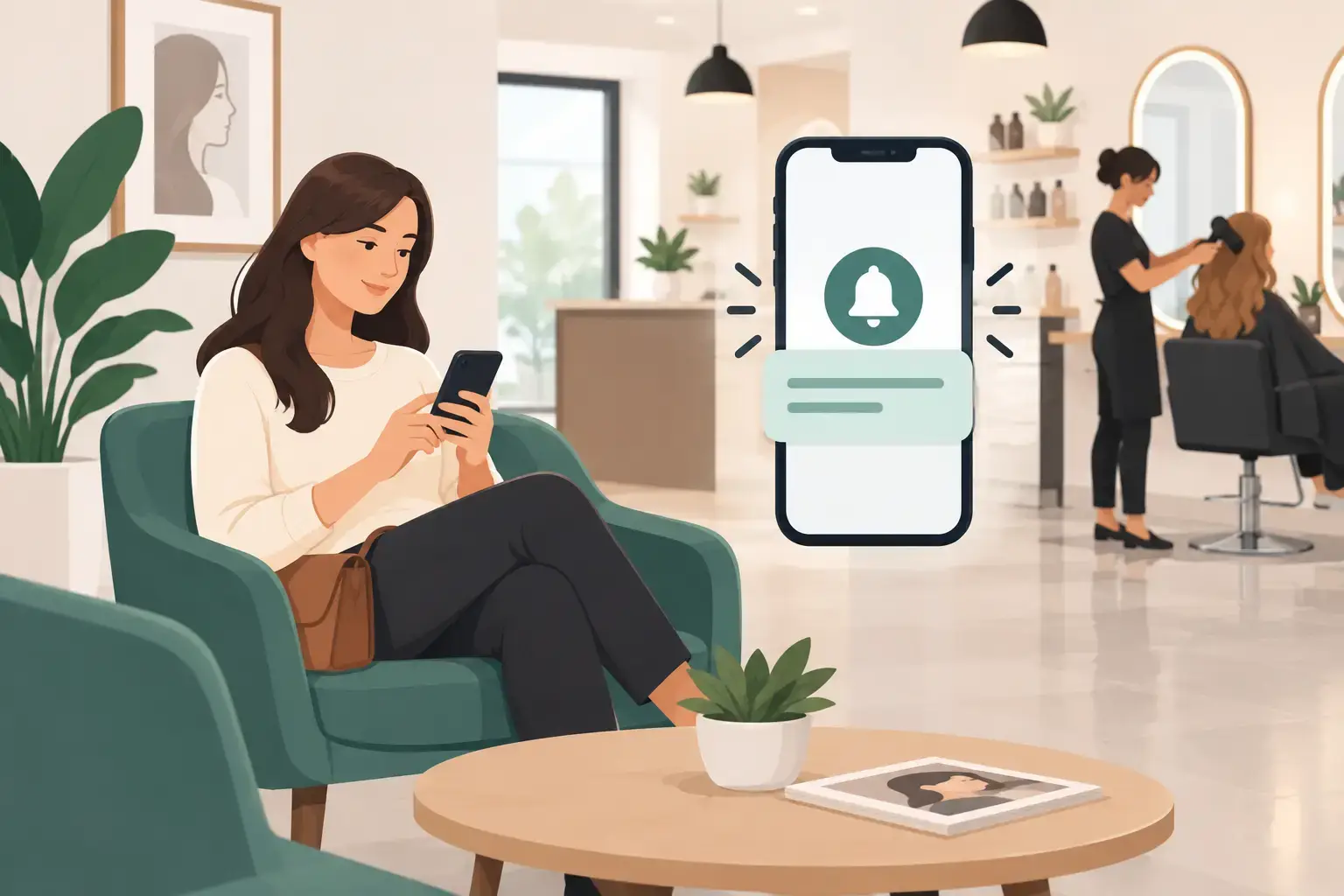
The queue should also make the wait useful rather than frustrating. If a customer can pop to the shops, grab a coffee or sit in their car without losing their place, they are more likely to stay in your orbit. When they are getting close to the front, an automated phone notification brings them back.
For your team, the controls need to be quick enough to use between clients. They should be able to call the next customer, assign them to a barber, stylist, nail tech, chair or station, and update the queue without stopping the service in front of them. No staff logins to remember. No complicated menu to work through while someone is waiting with a gown on.
Live wait times need sensible inputs
A wait-time display is only useful if it broadly reflects what is happening on the floor. That does not mean it must predict every service to the minute. Walk-in work has variables: a beard trim can become a full reshape, a colour service can run longer, and a client may arrive late.
What matters is that your queue reflects the real order of work and updates as chairs become available. If you have four barbers cutting and one is on a longer service, your team should still be able to route the next suitable customer to the right chair. The aim is clarity, not a false promise that every appointment will begin at an exact time.
The screen in the shop still matters
Browser tracking helps customers who leave the premises, but an optional TV queue board is useful for the people sitting in your waiting area. It gives the shop a calmer feel. Customers can see movement without repeatedly asking the team, and staff do not need to shout names over clippers and hairdryers.
This matters even more in mixed-service businesses. A salon or nail bar may have different treatment lengths, separate stations and customers waiting for a particular specialist. A visible queue helps everyone understand what is happening without exposing private business information.
Keep the queue simple for customers and controlled for owners
A queue system should not make your front desk feel like an airport check-in. The best setup is the one customers understand without a member of staff explaining it every time.
Put the check-in tablet where a walk-in naturally pauses. Keep service choices clear. If your shop mainly offers cuts, beard work and children’s cuts, do not bury those options under ten unnecessary screens. If customers can request a barber, make that choice obvious while leaving your team free to manage availability fairly.
The owner view is different. Staff need the tools to run the floor, but they do not need unrestricted access to business figures. Your takings, staff activity, service logs, peak periods and loyalty performance should sit behind an owner PIN.
That separation is not about mistrust. It is about clean boundaries. Your team can run the queue confidently while you retain private visibility over the information that affects payroll, performance and decisions about staffing your busiest hours.
Use queue data to run a better shop floor
The immediate win is fewer customers walking away. Over time, a virtual queue gives you a clearer picture of how your shop actually trades.
You may find Saturdays are not simply “busy” - they peak sharply between 11am and 2pm. You may see that one service creates a longer hold-up than expected, or that extra cover on a particular afternoon pays for itself. That helps you plan chairs, breaks and staffing from evidence rather than instinct alone.
Service logging also makes conversations with your team more useful. Instead of vague comments about a slow day, you can look at completed work, queue demand and the periods when customers waited longest. The point is not to turn a barbershop into a spreadsheet. It is to spot small changes that protect revenue and make the day run better.
There is a retention angle too. A walk-in customer who has a good first experience is a potential regular. If they have checked in with a phone number and agreed to hear from you, you can re-engage lapsed regulars through WhatsApp rather than hoping they remember to return. Keep it relevant and occasional. Nobody wants a stream of offers, but a timely nudge before a familiar busy weekend can bring people back.
Choose a queue system your team will use
The smartest features are wasted if setup becomes a project. Before choosing a virtual queue, ask what it needs from you on day one. If it requires new hardware, individual staff accounts, customer downloads and weeks of training, it may create more friction than it removes.
For most independent shops, existing equipment is enough. A tablet can handle check-ins, staff can use their own phones for quick queue controls, and a TV can become a queue board if you want one. The setup should take minutes, not disrupt a trading day.
It also depends on how you work. A shop that is almost entirely appointment-led may not need a live walk-in queue, though it may still benefit from staff and performance controls. A high-footfall barbershop with a mix of regulars, families and passing trade has more to gain because uncertainty is already costing it customers.
BarBerQue is built for that practical middle ground: walk-in queue control without forcing customers into an app or staff into a complicated system. You can start with the queue, then use owner-only reporting when you are ready to see more of what is happening behind the chair.
Start with the moment customers usually leave
Think about the last customer who asked how long the wait would be, looked around the shop and said they might come back later. A clear queue gives you a better answer than “we’ll try to fit you in”. It tells them where they stand, lets them keep their place and gives your team room to do the job properly.
That is not a flashy change. It is a practical one - and on a busy Saturday, practical is what keeps a full waiting area from becoming lost takings.