A packed waiting area can look good from behind the till. It is less impressive when three walk-ins leave because nobody can tell them whether the wait is 15 minutes or an hour. Salon customer waiting time notifications turn that uncertainty into a clear answer, giving customers a reason to stay in your queue even when they do not stay in the shop.
For a barber, stylist or nail tech, this is not about adding another bit of admin. It is about getting rid of the repeated questions that interrupt a service: “How long is left?”, “Am I next?”, “Can I pop out?” Your team should be cutting hair, applying colour or finishing a treatment - not guessing who is still waiting.
Why unclear waits cost more than one walk-in
A customer who walks out rarely announces that they are taking their spend elsewhere. They may say they will come back later, then find another barbershop, salon or nail bar on the way. The lost appointment is one thing. The bigger loss is the regular customer you never got to build.
The problem is not always the length of the wait. People will accept a busy shop when the queue feels fair and the timing feels believable. What they will not accept is being left on a plastic chair with no idea whether they are fifth in line or nearly up.
Clear waiting-time updates give customers control. They can get a coffee, visit another shop, pick up a child or sit in the car without feeling they have forfeited their place. When you let people use their time, they are far more likely to return when called.
What good salon customer waiting time notifications look like
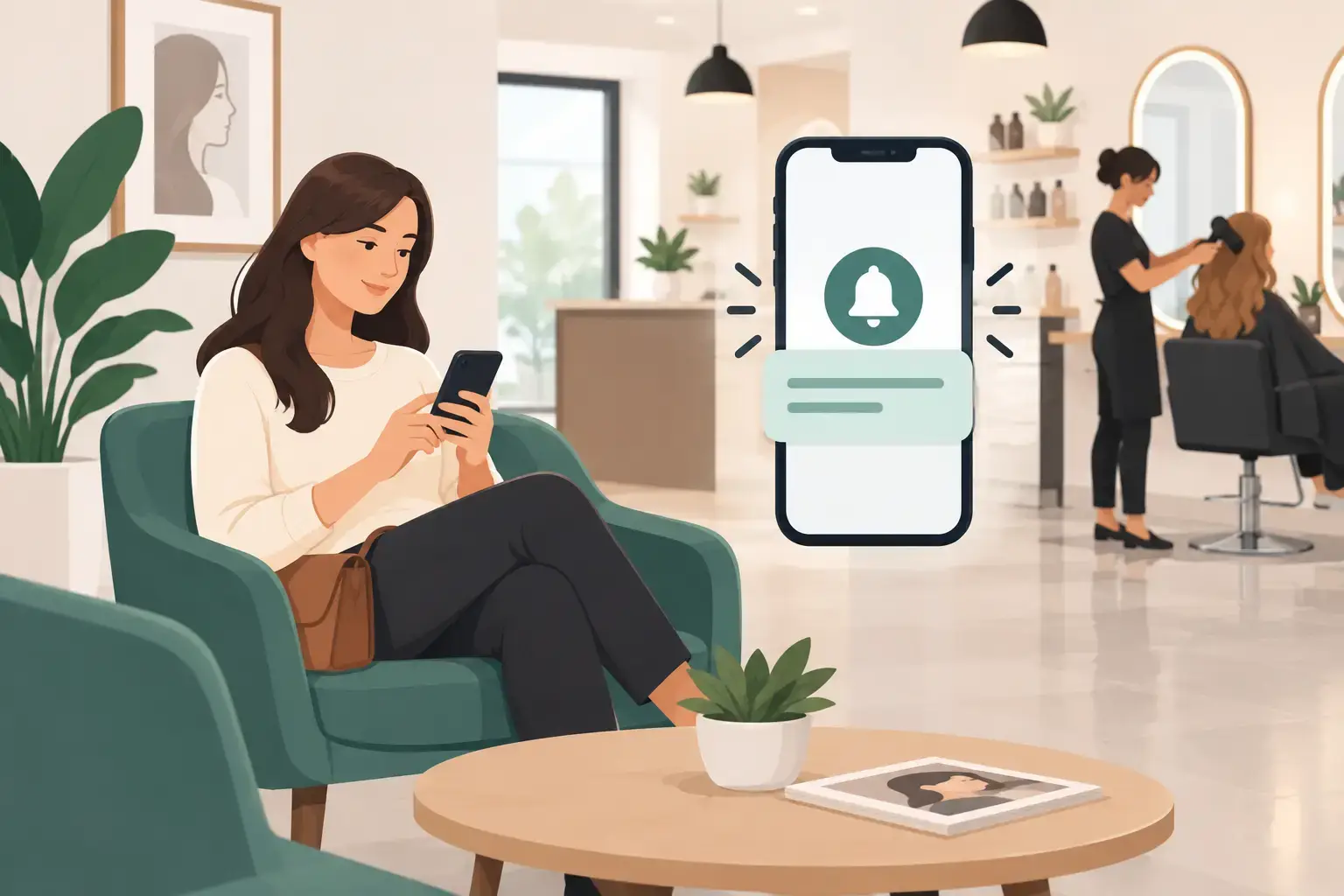
A useful notification is timely, specific and easy to act on. It should confirm that the customer has joined the queue, show a sensible estimated wait, then alert them when they are getting close. That is enough for most busy walk-in businesses.
The wording matters. “You are next” is clear. “Please return to the salon now” is even better when the customer has left the premises. Avoid vague messages that create another phone call, such as “Your appointment may be soon.” Walk-in customers do not need corporate language. They need to know whether they have time to nip to the shops.
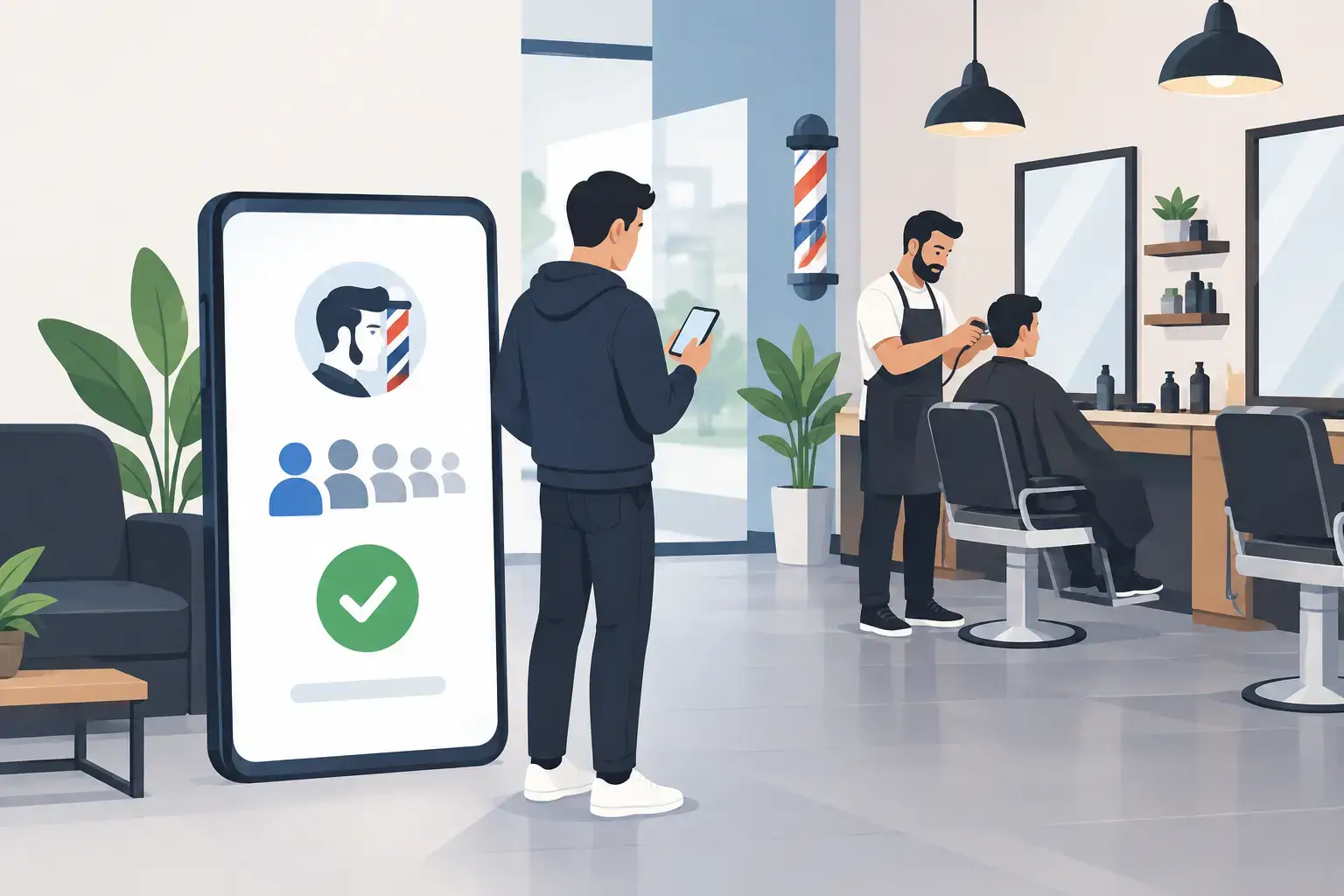
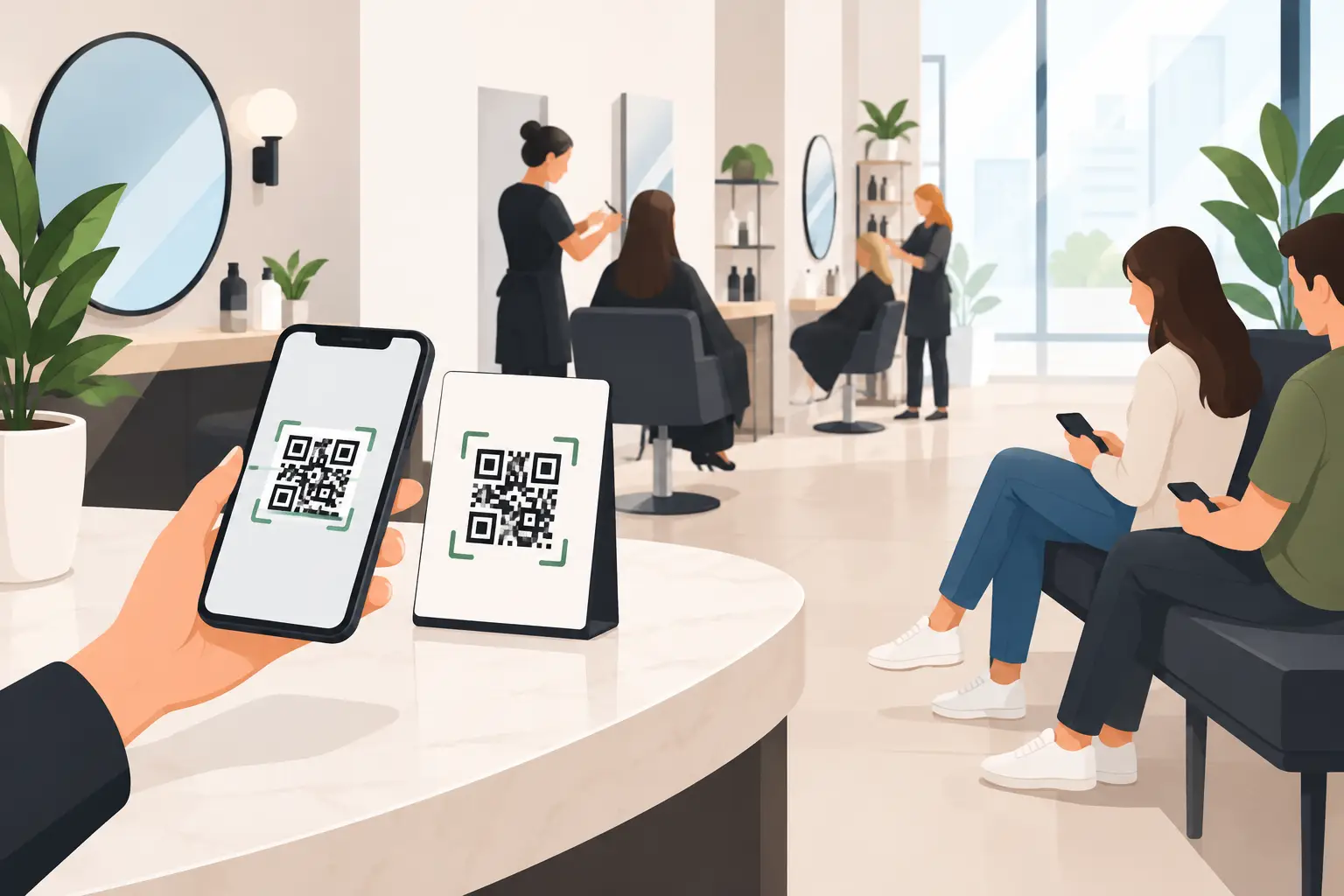
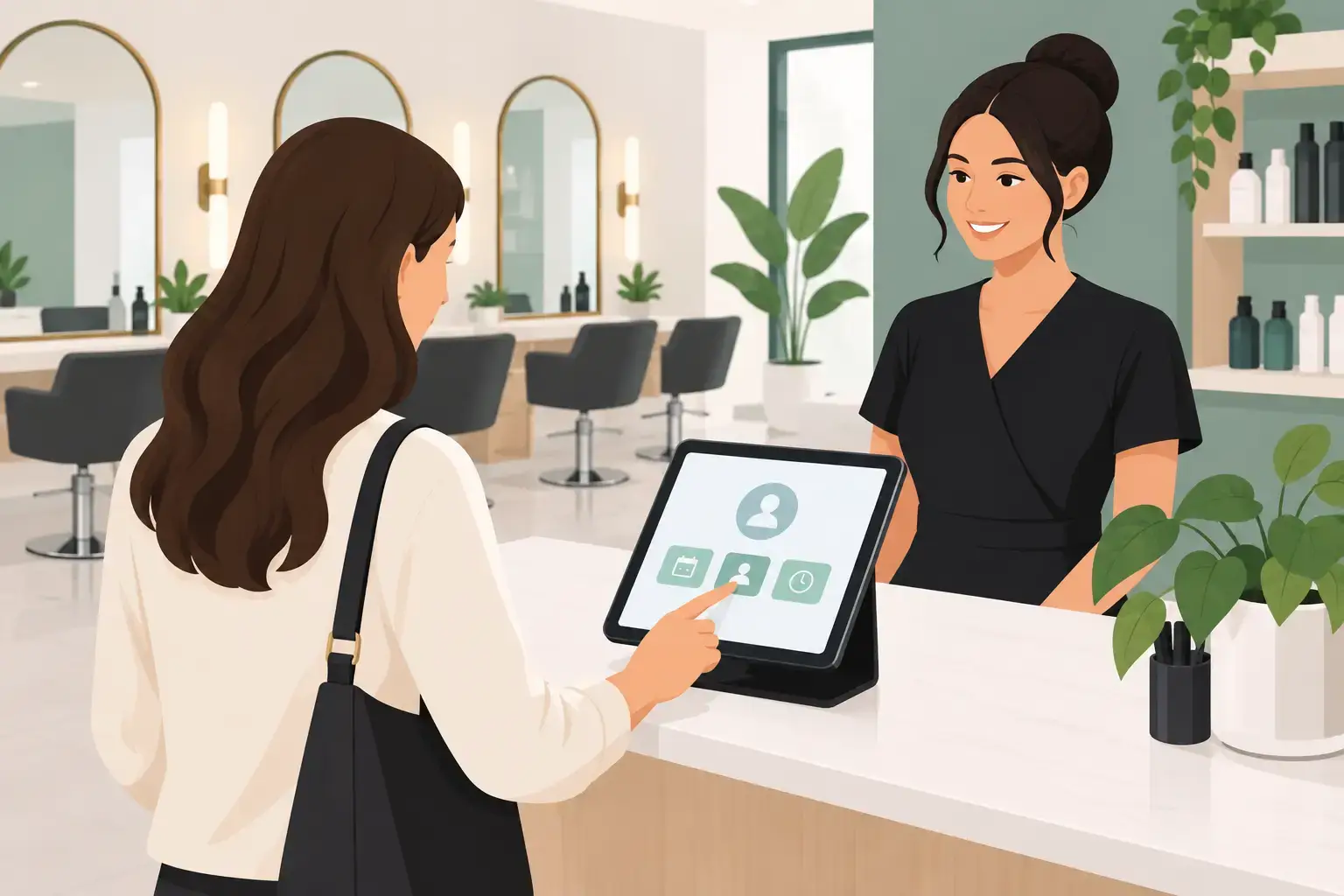
A practical flow usually works like this. The customer checks in at the tablet or is added by a team member. They see their place and estimated wait. They can scan a QR code to follow the live queue in their phone browser, without downloading an app. As the queue moves, they receive an update. When a chair, station or nail desk is nearly ready, they get a final notification to come back.
That process protects the queue without trapping people in the waiting area.
Set expectations at check-in
The first update does most of the heavy lifting. Tell the customer they are checked in, confirm the service if relevant, and give a realistic estimate. If a skin fade is taking longer than usual or a colour correction has overrun, do not pretend the wait is still 20 minutes. A realistic 40-minute estimate is better than a false promise.
You do not need minute-by-minute precision. Salon work changes. A consultation can run long, a client may arrive late, and a detailed nail design cannot be rushed simply to make the screen look good. The aim is a useful range and regular queue movement, not a stopwatch.
Give a proper final call
The final message is where notifications protect revenue. Send it early enough for a customer to return, especially if you actively encourage them to leave the shop while waiting. In a town centre, ten minutes may be right. In a retail park or an area with difficult parking, they may need longer.
Your team also needs a simple way to handle a customer who does not return. They can move to the next person rather than leaving a chair empty, then decide whether the late customer keeps their place or goes to the back of the queue. Make that rule clear at check-in. Fair rules stop arguments before they start.
Notifications only work when the queue is live
A text message cannot fix a queue that nobody updates. If a barber finishes and the next customer is not called, the wait shown to everyone else becomes less trustworthy. If a stylist starts an extra service without recording it, the estimate slips again.
The answer is not to make every team member complete a long checklist or remember another password. It is to make queue controls quick enough to use while standing at the chair. Your staff should be able to call the next customer, assign them to a barber or station, log the service and keep moving.
This is why a live queue board can be useful in a busy shop. Customers inside can see progress without asking the front desk. Customers outside can follow through the QR code. Staff see who is next. The owner can see the wider picture without putting private takings in front of the whole team.
With BarBerQue, staff can manage the live queue from their phones while customers track their place in a browser and receive automated phone notifications. No customer app is required, and no staff member has to remember a separate login just to call the next person.
Choose the channel your customers will actually use
Phone notifications are strong because they meet customers where they already are. For a walk-in queue, speed matters more than a glossy customer portal. A message that arrives clearly on the phone is more useful than an app the customer will not install for one haircut.
That said, keep alternatives available. Some customers may prefer to watch the queue on the salon screen. Others may not want to share a mobile number. A visible queue board, a printed ticket number or a verbal estimate still has a place. The goal is clarity, not forcing every customer into one channel.
Think about your usual customer too. A barbershop with customers popping in between errands may benefit most from a quick “you are next” alert. A nail bar where treatments take longer may need a more detailed estimated wait and an earlier return prompt. A hair salon mixing walk-ins with booked colour work may need to limit the services available in the live queue when the diary is tight.
Do not promise what the floor cannot deliver
The biggest mistake is treating waiting-time notifications as marketing rather than operations. If a message says five minutes and the customer waits another 25, you have created more frustration than silence would have caused.
Build your estimates around the real pace of your shop. Consider the number of working chairs, which team members are in, typical service lengths, breaks and whether customers can choose a particular barber, stylist or nail tech. A customer waiting specifically for one person should see that this may take longer than the next available chair.
It also helps to separate quick services from longer work. A fringe trim should not be buried behind a full restyle if you have the capacity to handle it differently. But do not overcomplicate the queue just to chase a perfect number. A simple, consistently used system beats a clever one that the team ignores on a Saturday afternoon.
Make the policy visible before there is a problem
Customers are usually reasonable when they know the rules. Tell them whether they can leave the premises, when they should return and what happens if they miss the final call. Keep the language friendly but firm.
For example: your place is held while you track the queue; please return when notified; if you do not arrive within the stated window, the next customer will be seated. That protects the people who are ready, the staff member with an empty chair and the customer who has been waiting fairly.
The same clarity applies to family check-ins. If one person checks in several children or a group, make sure your team knows who is receiving notifications and whether everyone needs the same service. Small details prevent a queue from becoming messy later.
Measure whether the notifications are paying off
You do not need a complicated report to see whether the system is helping. Watch for fewer walkouts, fewer repeated wait-time questions and fewer empty chairs caused by customers disappearing. Then look at the busy periods. If Saturday afternoons regularly show long waits and lost customers, you may need another team member, clearer service allocation or a tighter limit on walk-ins at peak times.
Owner reporting should give you the operational view without exposing private financial data on a shared staff screen. Your team runs the queue. You see the takings, staff activity and patterns behind it. That separation matters when you are trying to improve the floor without putting sensitive figures on display.
A waiting customer is not a problem to hide. They are proof that people want your service. Give them a believable wait, let them get on with their day and call them back at the right moment. That is how a busy shop feels organised rather than chaotic.